How to Stream NBA Games Live in 2026: Complete IPTV Basketball Guide
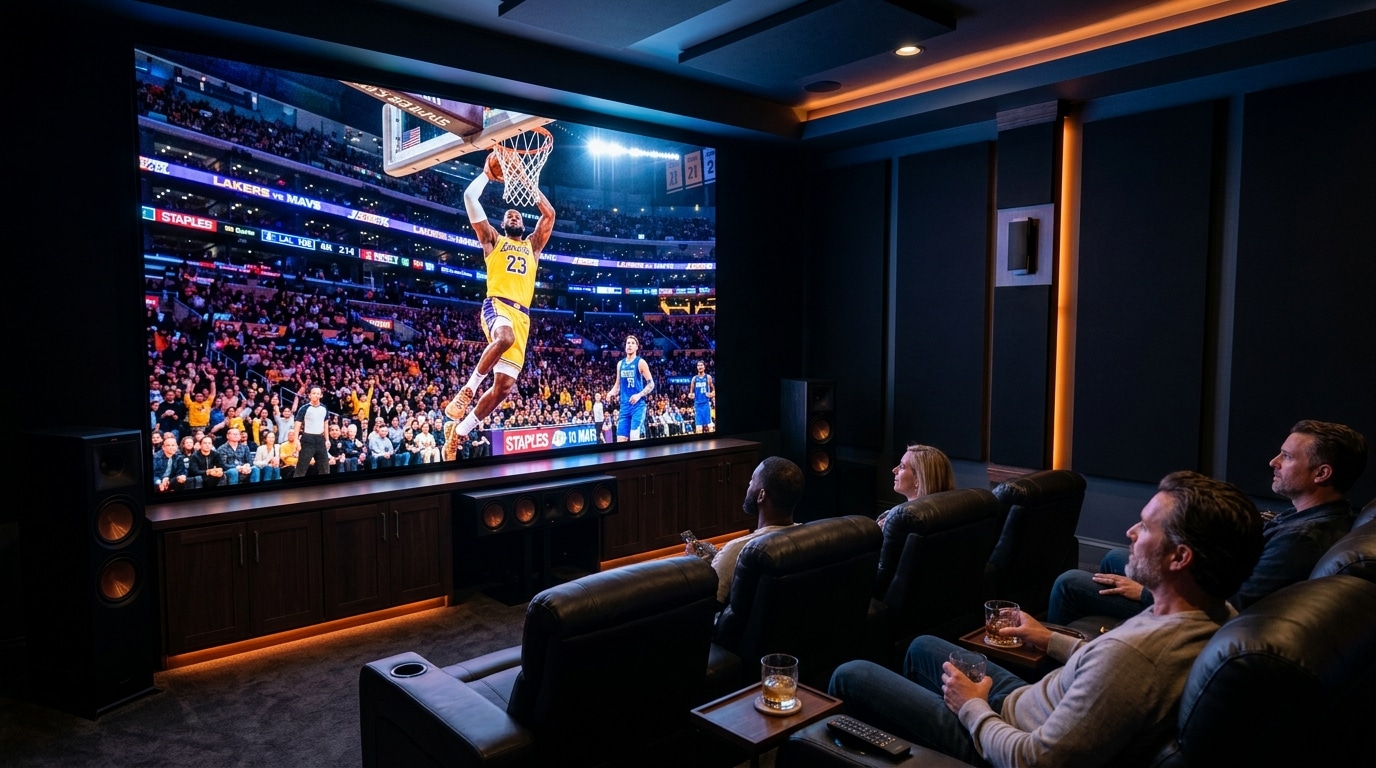
For dedicated basketball fans across the United Kingdom and around the globe, following the NBA season has never been more exciting—or more logistically frustrating. With an 82-game regular season per team, the NBA In-Season Tournament (NBA Cup), the high-stakes Play-In Tournament, and two straight months of grueling NBA Playoffs culminating in the NBA Finals, access to consistent, high-bitrate live broadcasting is essential.
Unfortunately, traditional sports broadcasting rights for basketball are fractured across a labyrinth of domestic networks, pay-TV operators, and expensive standalone digital passes. In the UK, television broadcasts are split across TNT Sports, while international streaming packages like NBA League Pass are frequently crippled by territorial blackout restrictions, delayed on-demand availability, and steep annual price points.
As a result, an increasing number of passionate hoops enthusiasts are turning to internet protocol television to follow every fastbreak, buzzer-beater, and overtime thriller. In this comprehensive streaming guide, we provide an exhaustive, practical breakdown of how to stream live NBA games in 2026 using IPTV. We explore broadcast channel networks, device optimization, 60 FPS motion requirements, player configurations, blackout workarounds, and step-by-step troubleshooting to ensure your game-night experience is smooth, crisp, and buffer-free.
Experience IPTV FIESTA UK
Upgrade your entertainment with ultra-stable, anti-freeze streaming. Access Sky Sports, TNT Sports, BBC, ITV, and UK 4K VOD on all your favorite devices.
The Landscape of Live NBA Broadcasting in 2026
To understand how to watch every NBA fixture reliably, you must first understand how professional basketball broadcasts are distributed. NBA television rights are partitioned into three primary categories:
1. United Kingdom Domestic Broadcasts (TNT Sports)
For viewers situated in England, Scotland, Wales, and Northern Ireland, TNT Sports holds primary rights to broadcast live regular-season games, marquee weekend primetime matches (often scheduled at friendly European evening hours), the NBA All-Star Weekend, extensive Playoff action, and every game of the NBA Finals. Access to TNT Sports 1, 2, 3, and 4 in native 1080p and 4K 60FPS is therefore the primary baseline for any UK basketball viewer.
2. US National Television Networks (ESPN, ABC, TNT, NBA TV)
In the United States, national television rights are split among major broadcast titans:
- ESPN & ABC: Broadcast premier Wednesday and Friday night games, Sunday afternoon showcases, and the exclusive telecast of the NBA Finals.
- TNT Sports (US): The beloved home of Inside the NBA, broadcasting Tuesday and Thursday doubleheaders, the All-Star Game, and extensive Conference Finals action.
- NBA TV: The league's dedicated 24/7 channel, airing several live regular-season matchups every week alongside pre-game analysis, daily highlight reels, and vintage hardwood classics.
3. Regional Sports Networks (RSNs) & Local Team Feeds
While national networks air approximately 200 high-profile regular-season games, the remaining 1,000+ fixtures are broadcast locally by Regional Sports Networks (such as Bally Sports / FanDuel Sports Network, YES Network for the Brooklyn Nets, Spectrum SportsNet for the Los Angeles Lakers, and NBC Sports Regional Networks for Golden State, Boston, and Philadelphia).
If you are an avid supporter of a specific franchise—whether following the Boston Celtics, Denver Nuggets, or Milwaukee Bucks—you need access to these regional team feeds to watch regular-season fixtures that are not selected for national television.
Comprehensive Team & Regional Sports Network (RSN) Mapping Guide
When selecting your game feeds on IPTV, knowing which network carries your favorite team saves precious minutes on busy game nights. Here is the definitive broadcast mapping across the NBA's thirty franchises:
Eastern Conference Broadcast Networks:
- Atlantic Division:
- Boston Celtics: NBC Sports Boston (98% of regular season games; features Mike Gorman and Brian Scalabrine commentary).
- Brooklyn Nets: YES Network (broadcasts from Brooklyn's Barclays Center).
- New York Knicks: MSG Network (legendary commentary by Mike Breen and Walt "Clyde" Frazier from Madison Square Garden).
- Philadelphia 76ers: NBC Sports Philadelphia.
- Toronto Raptors: Sportsnet One / Sportsnet Ontario & TSN 1–5 (the primary Canadian sports broadcasters).
- Central Division:
- Chicago Bulls: Chicago Sports Network (CHSN) / NBC Sports Chicago.
- Cleveland Cavaliers: FanDuel Sports Network Ohio / Bally Sports Ohio.
- Detroit Pistons: FanDuel Sports Network Detroit.
- Indiana Pacers: FanDuel Sports Network Indiana.
- Milwaukee Bucks: FanDuel Sports Network Wisconsin (home coverage of Giannis Antetokounmpo).
- Southeast Division:
- Atlanta Hawks: FanDuel Sports Network Southeast.
- Charlotte Hornets: FanDuel Sports Network Southeast.
- Miami Heat: FanDuel Sports Network Sun / Bally Sports Sun (Eric Reid and John Crotty commentary).
- Orlando Magic: FanDuel Sports Network Florida.
- Washington Wizards: Monumental Sports Network (formerly NBC Sports Washington).
Western Conference Broadcast Networks:
- Northwest Division:
- Denver Nuggets: Altitude Sports (exclusive regional network for Nikola Jokić and the Nuggets).
- Minnesota Timberwolves: FanDuel Sports Network North.
- Oklahoma City Thunder: FanDuel Sports Network Oklahoma.
- Portland Trail Blazers: Rip City Television Network / ROOT Sports Northwest.
- Utah Jazz: Jazz+ / KJZZ-TV (Utah's local broadcast network).
- Pacific Division:
- Golden State Warriors: NBC Sports Bay Area (home broadcasts featuring Stephen Curry).
- Los Angeles Clippers: FanDuel Sports Network SoCal / ClipperVision.
- Los Angeles Lakers: Spectrum SportsNet (exclusive home of the Lakers featuring Stu Lantz commentary).
- Phoenix Suns: Arizona's Family Sports (3TV / Arizona's Family 44).
- Sacramento Kings: NBC Sports California.
- Southwest Division:
- Dallas Mavericks: KFAA 29 / MavsTV (over-the-air and regional cable network).
- Houston Rockets: Space City Home Network (SCHN).
- Memphis Grizzlies: FanDuel Sports Network Southeast.
- New Orleans Pelicans: Gulf Coast Sports & Entertainment Network.
- San Antonio Spurs: FanDuel Sports Network Southwest (home of Victor Wembanyama).
A top-tier IPTV provider like IPTV FIESTA carries all thirty of these regional networks in full 1080p 60FPS alongside domestic UK feeds, ensuring you never miss a minute of action regardless of which franchise you support.
Key Milestones of the NBA Season Calendar
Understanding the NBA's operational schedule allows you to plan your viewing calendar and optimize your device setup for critical broadcast windows:
- The Pre-Season (Early to Mid-October): Teams shake off summer rust, test newly acquired draft rookies, and fine-tune offensive rotations. Broadcasts are primarily carried by regional networks and NBA TV.
- Opening Week (Late October): The official tip-off of the regular season, typically featuring ring ceremonies for the reigning champions and marquee inter-conference doubleheaders on TNT and ESPN.
- The NBA Cup / In-Season Tournament (November through Early December): Group play takes place on designated "Tournament Nights" featuring custom painted court floors, followed by knockout quarterfinals, semifinals, and the Championship Game in Las Vegas.
- Christmas Day Showcase (December 25): The league's premier regular-season event. Five marquee games air back-to-back across 13 continuous hours on ESPN and ABC, providing non-stop holiday basketball entertainment.
- Martin Luther King Jr. Day (Mid-January): A historic day of daytime basketball showcases originating from Atlanta, Memphis, and major cultural hubs.
- The NBA Trade Deadline (Early February): Blockbuster roster moves transform championship contenders. While no games air during deadline hours, NBA TV and regional networks broadcast live continuous studio coverage.
- NBA All-Star Weekend (Mid-February): Three days of basketball festivities featuring the Rising Stars challenge, the Skills Challenge, the 3-Point Contest, the Slam Dunk Contest, and Sunday's All-Star Game.
- The Play-In Tournament (Mid-April): Teams seeded 7th through 10th in each conference battle in sudden-death elimination games to secure the final two playoff berths.
- The NBA Playoffs (Mid-April through Late May): Four rounds of intense best-of-seven series. Every single postseason game is broadcast nationally without exception.
- The NBA Finals (June): The climax of the basketball year. Broadcast exclusively on ABC and international feeds, deciding the world championship in a best-of-seven showdown.
Why Modern IPTV is the Ultimate Hub for Basketball Enthusiasts
Navigating fragmented broadcast rights through traditional subscriptions is both financially burdensome and technically inconvenient. A high-grade IPTV platform like IPTV FIESTA completely changes the game by aggregating global sports feeds into a single unified broadcast platform:
- Zero Regional Blackouts: Traditional streaming apps like NBA League Pass utilize your IP address and GPS location to enforce local blackouts. If a game is airing on national TV in your territory, the local feed is blacked out on digital passes. With a global IPTV service, you can freely switch between the US national feed, the domestic UK broadcast, or the opposing team's regional commentary with zero territorial blocks.
- Uncompressed 60 FPS Motion Clarity: Basketball is one of the fastest sports in existence. A high-speed crossover, a rapid no-look pass, or a ball rotating through the net appears blurry and disjointed on standard 25 or 30 FPS feeds. Premium IPTV streams deliver sports at native 50 FPS and 60 FPS, preserving fluid motion on large OLED screens.
- Massive Cost Savings: Instead of paying £30/month for domestic sports apps, plus £150/year for League Pass, plus US cable add-ons, a single IPTV subscription consolidates all worldwide sports feeds at a fraction of the price. Explore our flexible pricing plans to view multi-room options.
- Choice of Home and Away Commentary: Dedicated basketball fans appreciate team-specific announcers who provide in-depth analysis of their favorite roster. IPTV providers often supply both the "Home" and "Away" broadcast feeds for every fixture on the schedule.
Technical Deep Dive: Video Compression & Encoding for Basketball
Basketball presents unique, punishing challenges for digital video compression algorithms. Understanding these technical dynamics explains why free or cheap IPTV streams look terrible during live gameplay:
1. The Complex Hardwood Parquet & Arena Lighting Problem
Unlike outdoor football where the pitch is predominantly green grass, a basketball broadcast features high-gloss polished hardwood flooring that continuously reflects bright ceiling arena halogen lights. When ten fast-moving players in bright jerseys sprint across reflective wood while fans in the background cheer, the video encoder must process millions of changing pixel blocks per second.
- Macroblocking & Pixelation on Low-Bitrate Streams: In cheap IPTV streams encoded at 2 to 3 Mbps, the video compression algorithm runs out of bandwidth. It groups subtle color variations together, resulting in visible digital squares (macroblocking), blurry player jersey numbers, and smeary court lines.
- High-Bitrate H.264 & HEVC/H.265 Streams: Enterprise-grade IPTV platforms encode 1080p 60FPS sports at 8 to 14 Mbps. At this generous bitrate, individual hardwood grain lines, net ripples, and facial expressions remain razor-sharp even during chaotic fastbreaks.
2. Constant Bitrate (CBR) vs. Variable Bitrate (VBR)
- Variable Bitrate (VBR): The encoder lowers the data rate during commercial breaks and increases it during high-motion plays. However, if the encoder's bandwidth ceiling is set too low, sudden fastbreaks cause abrupt buffering stalls.
- Constant Bitrate (CBR): Premium sports feeds utilize CBR or high-cap VBR, providing a steady, unyielding flood of visual data that prevents buffering dips when live action intensifies.
3. Audio Fidelity: Hearing the Rim, Shoes, and Crowd
A true basketball viewing experience relies heavily on court acoustics: the rhythmic squeak of sneakers on polished hardwood, the distinctive thud of the basketball off the backboard, the sharp snap of the net cord, and the roar of twenty thousand fans. High-end IPTV streams preserve multi-channel stereo or Dolby Digital 5.1 sound at 256–384 kbps rather than harsh, compressed mono audio.
Essential Technical Requirements: Preparing Your Setup for 60 FPS Basketball
Streaming live sports demands significantly more from your home network and streaming hardware than watching a recorded movie on Netflix. Movies are pre-buffered minutes in advance; live television packets must be ingested, encoded, transmitted, and decoded in real time with minimal latency.
Follow these technical specifications to prepare your living room for game night:
1. The Critical Rule: 60 Frames Per Second (FPS)
Never settle for a 30 FPS basketball stream. At 30 FPS, the rapid rotation of the basketball creates a noticeable stuttering effect, and player movements appear slightly jerky during fastbreaks.
When inspecting channels in your player:
- Verify that the channel resolution and frame rate indicate 1080p60 or 720p60.
- On European broadcasts like TNT Sports UK, look for 1080p50 (50 FPS is the European broadcast standard, delivering perfectly fluid motion on UK television sets).
2. Broadband Bandwidth and Latency Baselines
While a standard 1080p movie requires only 5 to 8 Mbps, an uncompressed, high-bitrate live sports broadcast demands:
- Single 1080p 60FPS Sports Stream: 15 to 20 Mbps of stable, sustained download bandwidth.
- Single 4K UHD Sports Stream: 30 to 40 Mbps of unthrottled bandwidth.
- Multi-View Sports Streaming (2 to 4 Games): 50 to 100 Mbps of dedicated network speed.
More importantly, your connection requires low latency (ping under 30 ms) and near-zero jitter. High network jitter causes stream packets to arrive out of order, forcing your media player to pause and buffer. Review our complete IPTV internet speed guide to test your connection quality.
3. Wired Ethernet vs. 5 GHz Wi-Fi
If your streaming device is located within reach of your home router, connect it directly using a Cat6 Ethernet cable. Wi-Fi signals are inherently prone to environmental interference from nearby routers, microwave ovens, baby monitors, and physical walls. A wired Ethernet connection eliminates packet drops and reduces zapping latency to under a second.
If Ethernet is physically impossible, ensure your device is connected strictly to your router's 5 GHz Wi-Fi band, which provides vastly superior throughput and lower latency compared to the congested 2.4 GHz band.
Television Picture Calibration for Live Basketball
Even with a flawless 1080p 60FPS stream, improper television picture settings can ruin your viewing experience. Most modern Smart TVs (Samsung, LG, Sony, Philips) come out of the box with aggressive post-processing features enabled that actually degrade fast-paced live sports:
1. Disable Motion Smoothing (The Soap Opera Effect)
Television manufacturers label this feature under various marketing names: Auto Motion Plus (Samsung), TruMotion (LG), Motionflow (Sony), or Action Smoothing.
These algorithms attempt to invent artificial intermediate frames between broadcast images. On a high-speed basketball game, motion smoothing algorithms get confused by the basketball moving opposite to the player's body, creating strange visual artifacts, haloing around the ball, and tearing around the hoop. Turn motion smoothing completely OFF, or set it to "Custom" with de-judder set to 0 and de-blur set to minimum.
2. Set Picture Mode to "Cinema", "Movie", or "Expert ISF"
Avoid the temptation to use "Sports" or "Vivid" picture modes. While they look punchy at first glance, "Sports" modes dramatically over-saturate colors (turning hardwood courts into radioactive orange surfaces) and blow out white arena highlights, destroying court detail. "Movie" or "Cinema" modes provide accurate color temperatures (D65 warmth) and preserve subtle jersey textures.
3. Adjust Sharpness to Minimum (or Zero)
High sharpness settings introduce fake white halos around player contours and arena scoreboards. Lower your TV's sharpness slider to 0 or 10% for a natural, clean broadcast appearance.
Best Hardware Devices for Streaming Live Basketball
Selecting the right streaming hardware ensures your media player can decode high-bitrate video containers without heating up, dropping frames, or freezing. Here is our ranking of the top streaming devices for NBA streaming in 2026:
1. Amazon Fire TV Stick 4K Max & Fire TV Cube (Best Value Pick)
The Amazon Fire TV Stick 4K Max (2nd Generation) and Fire TV Cube are exceptional sports streaming powerhouses. Equipped with powerful quad-core processors, dedicated hardware decoding for H.264, HEVC, and AV1, and Wi-Fi 6/6E connectivity, they handle 1080p 60FPS basketball feeds effortlessly. Channel switching is near-instantaneous, and they support advanced features like multi-view inside TiviMate. (Follow our comprehensive Firestick setup instructions).
2. Apple TV 4K (Reference-Grade Picture Quality)
For the absolute ultimate visual fidelity, the Apple TV 4K (powered by the A15 Bionic chip) reigns supreme. When paired with apps like iPlayTV or IPTVX, the Apple TV 4K outputs an impeccably clean picture. Its "Match Frame Rate" feature automatically switches your television display to 50 Hz or 60 Hz to match the source broadcast, completely eliminating motion judder. (See our Apple TV configuration guide).
3. NVIDIA Shield TV Pro (Best for Home Theater Enthusiasts)
The NVIDIA Shield TV Pro remains an undisputed favorite for power users. Its gigabit Ethernet port, Tegra X1+ chip, and advanced AI-enhanced upscaling breathe incredible clarity into 720p and 1080p regional sports feeds.
The Best IPTV Player Apps for Live Basketball
As highlighted in our guide to the best IPTV players, the player software you install dictates your navigation speed and display features. For basketball fans, two specific applications stand out:
1. TiviMate IPTV Player (Android TV & Firestick)
TiviMate is the definitive sports fan's application. Its defining feature is Multi-View Mode:
- Watch Up to 9 Games Simultaneously: On a busy NBA Wednesday night with 10 games tipping off at the same time, you can split your television screen into a 4-game quad-box.
- Seamless Audio Switching: Use your remote's arrow keys to instantly shift audio focus from a tight fourth quarter in Boston to a game-winning shot in Denver.
- Custom Sports Channel Grouping: Create a dedicated "NBA Game Night" favorites category containing TNT Sports, ESPN, ABC, NBA TV, and regional sports networks for effortless channel flipping.
2. IPTV Smarters Pro (Multi-Device Household Solution)
If you watch games on an iPhone, iPad, Windows PC, or LG/Samsung Smart TV, IPTV Smarters Pro provides native, easy-to-use cross-platform access. It features a built-in search bar, multi-screen modes, and quick video decoder toggling.
Step-by-Step Walkthrough: Setting Up Your IPTV Player for Game Night
Follow this practical, step-by-step tutorial to configure your streaming setup before tip-off:
Step 1: Secure Your Active Subscription Credentials
Ensure your subscription with IPTV FIESTA is active and configured. You will receive your M3U playlist address and Xtream Codes login credentials (Server URL, Username, and Password) directly via WhatsApp or email within minutes of ordering.
Step 2: Install Your Chosen Player Application
On your Amazon Firestick or Android TV box, download TiviMate or IPTV Smarters Pro. If using a Firestick, install Downloader from the Amazon Appstore to easily sideload official application packages.
Step 3: Connect via Xtream Codes API
Launch the application and select Add Playlist > Xtream Codes API:
- Playlist Name: Enter a recognizable label, such as "IPTV FIESTA Sports".
- Server URL: Type the streaming server domain and port provided in your welcome message.
- Username & Password: Enter your secure login details.
- Check Include VOD if you also want on-demand basketball documentaries and films.
- Click Next / Connect.
Step 4: Synchronize Electronic Program Guide (EPG)
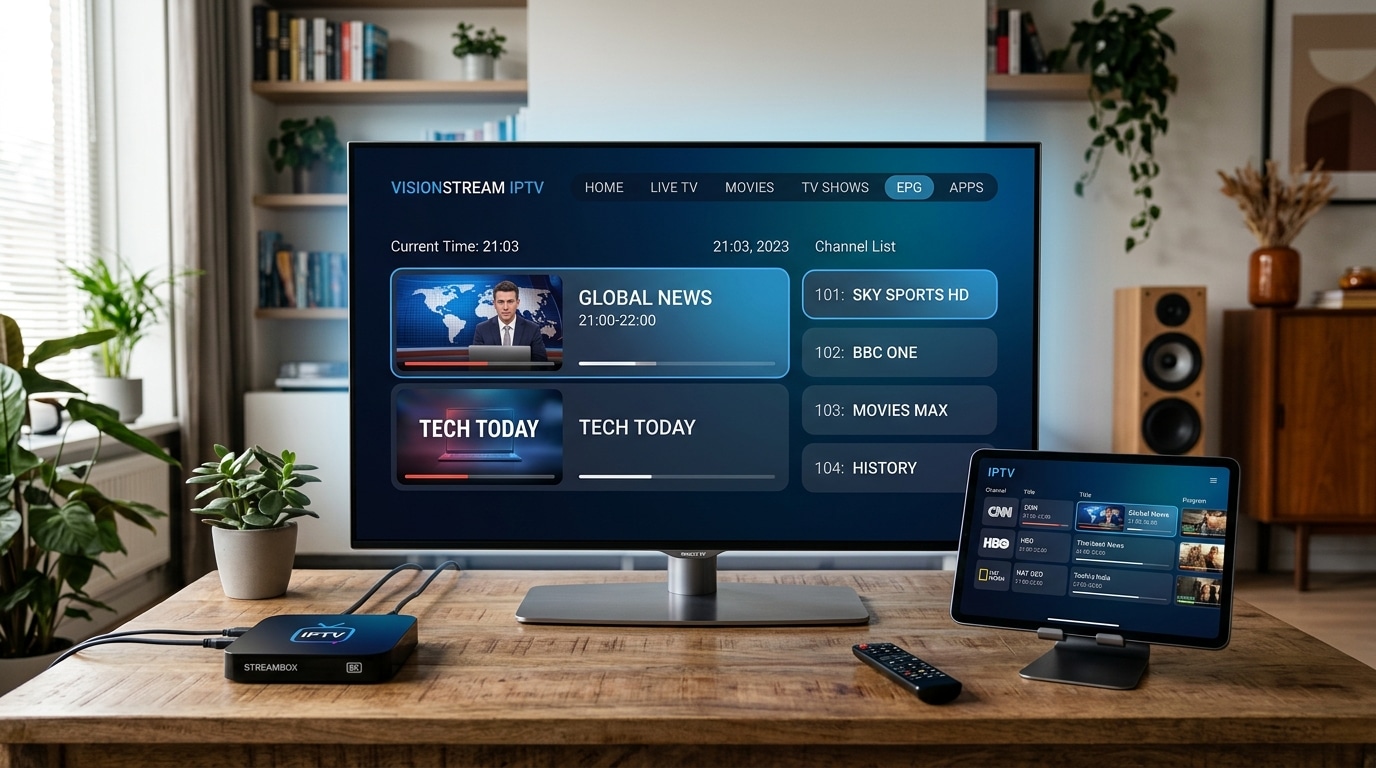
Allow the initial database download to complete. An accurate EPG is crucial on game night so you can quickly see which teams are playing, current quarter schedules, and broadcast start times.
Step 5: Configure Video & Audio Playback Decoders
Navigate to Settings > Playback:
- Set Video Decoder to Hardware (HW). Hardware decoding engages your device's graphic processor, ensuring zero dropped frames during rapid basketball action.
- Set Stream Buffer Size to Medium (2-3 seconds). A small buffer absorbs minor broadband routing fluctuations without introducing noticeable broadcast delay.
Step 6: Assemble an "NBA Live" Favorites List
Do not waste precious game time scrolling through 50,000 international channels. Long-press the "Select" button on your primary sports channels (Sky Sports, TNT Sports UK, ESPN, ABC, NBA TV, and primary US RSN feeds) and add them to your Favorites folder. On game night, everything you need is accessible in one consolidated menu.
Mastering TiviMate Multi-View for NBA Game Nights
For intense basketball followers, watching one game at a time is often insufficient. On typical Wednesdays and Fridays, multiple games enter clutch fourth-quarter minutes simultaneously. Here is how to master Multi-View mode in TiviMate:
- Launch Your First Game: Tune into your primary game (e.g., Boston Celtics vs. Miami Heat on ESPN).
- Open the Bottom Control Overlay: Press the "Down" button on your remote control to bring up the playback options.
- Select the Multi-View Icon: Click the multi-view symbol (a rectangle divided into four quadrants).
- Choose Your Grid Layout: Select your desired presentation:
- Dual Screen (Side-by-Side): Great for tracking two critical matchups simultaneously.
- Picture-in-Picture (PiP): Keeps a large primary game on screen while floating a secondary game in the corner.
- Quad View (2x2 Grid): The ultimate game-night layout for following four games at once.
- Assign Channels to Quadrants: Click on an empty box, select Add Channel, and choose from your favorites list.
- Cycle Audio Instantly: The active audio channel is highlighted with a subtle colored border. Use your directional pad to shift focus between games effortlessly.
Troubleshooting Common NBA Streaming Issues
Even with an optimal setup, live sports broadcasting can occasionally face technical hiccups. Here is how to diagnose and resolve the most common issues quickly:
1. Frequent Buffering or Pausing During Fourth Quarters
- The Root Cause: Peak internet traffic or local ISP throttling. During major sporting events, thousands of households in your neighborhood are streaming simultaneously.
- The Quick Fix:
- Restart your broadband router to establish a fresh connection to your ISP's exchange.
- Switch your device DNS to Cloudflare (
1.1.1.1) or Google (8.8.8.8). - Temporarily switch from a 4K feed to a stable 1080p 60FPS mirror feed. High-quality providers offer multiple stream links for major fixtures to distribute server traffic evenly.
2. The Stream Drops Frames or Motion Appears Stuttery
- The Root Cause: Frame rate mismatch between your device display output and the incoming broadcast (e.g., your television is forced to 60 Hz while the European sports stream outputs at 50 Hz).
- The Quick Fix: Enable Auto Frame Rate (AFR) matching inside your player settings (TiviMate or Apple TV), allowing your TV display to automatically synchronize with the broadcast frequency.
3. Audio and Video Are Out of Sync
- The Root Cause: Minor hardware decoding latency where audio is processed faster than high-bitrate video frames.
- The Quick Fix: Most advanced players feature an Audio Delay / Sync Offset tool in the playback overlay. Adjust the audio track forward or backward by +100 ms to +300 ms to bring commentary into perfect harmony with the whistle and ball bounce.
4. Screen Is Completely Black But Sound Is Playing
- The Root Cause: A hardware codec mismatch where your device cannot unpack the video container.
- The Quick Fix: Consult our dedicated diagnostic tutorial on fixing IPTV black screens with working audio. Switch your player's decoder from Hardware to Software (VLC/IJK) to force CPU decoding.
The Ultimate NBA Fan Game-Night Checklist
Print or save this pre-game checklist to run through 15 minutes before tip-off:
- ☐ Router Rebooted: Weekly router reboots clear DNS cache and release stagnant network leases.
- ☐ Ethernet Connected: Streaming stick is plugged into Ethernet or locked to 5 GHz Wi-Fi.
- ☐ EPG Refreshed: Electronic program guide updated to ensure accurate schedule times.
- ☐ Favorites Verified: Primary sports channels (TNT Sports, ESPN, NBA TV, RSNs) accessible in one click.
- ☐ Buffer Sized Properly: Player buffer configured to Medium (2-3 seconds) for stability.
- ☐ Multi-View Tested: If streaming multiple games simultaneously, verify your multi-screen layout in TiviMate.
- ☐ Audio Decoders Set to Hardware: Ensures fluid 60 FPS motion without device overheating.
- ☐ TV Motion Smoothing Disabled: Guarantees natural, crisp player motion without visual artifacts.
Frequently Asked Questions
Conclusion: Elevate Your NBA Experience in 2026
Following the NBA should be thrilling, not a battle against expensive paywalls, regional blackout errors, and low-bitrate feeds. By pairing a high-performance streaming device with a premier media player like TiviMate and connecting to an enterprise-grade broadcast provider, you unlock front-row access to every possession, dunk, and championship moment from October through June.
At IPTV FIESTA, we engineer dedicated high-capacity server infrastructure designed specifically to withstand the intense bandwidth demands of live international sports broadcasting. With over 50,000 live channels, fluid 60 FPS sports coverage, and dedicated 24/7 UK customer support, your game-night experience is in expert hands.
- Browse our contract-free UK subscription packages.
- Explore our comprehensive live sports channels lineup.
- Follow our step-by-step installation guides for your device.
- Contact our friendly support team on WhatsApp to claim your free trial and get game-ready today!